Custom Business Software
Purpose-built applications for processes that do not fit comfortably into off-the-shelf software or existing systems.
KPS Systems develops custom business software and ERP solutions around the way your organization operates. From billing and inventory to transport, customer management, reporting and integrations, we can structure the system around your real workflows rather than forcing the business into an unsuitable process.
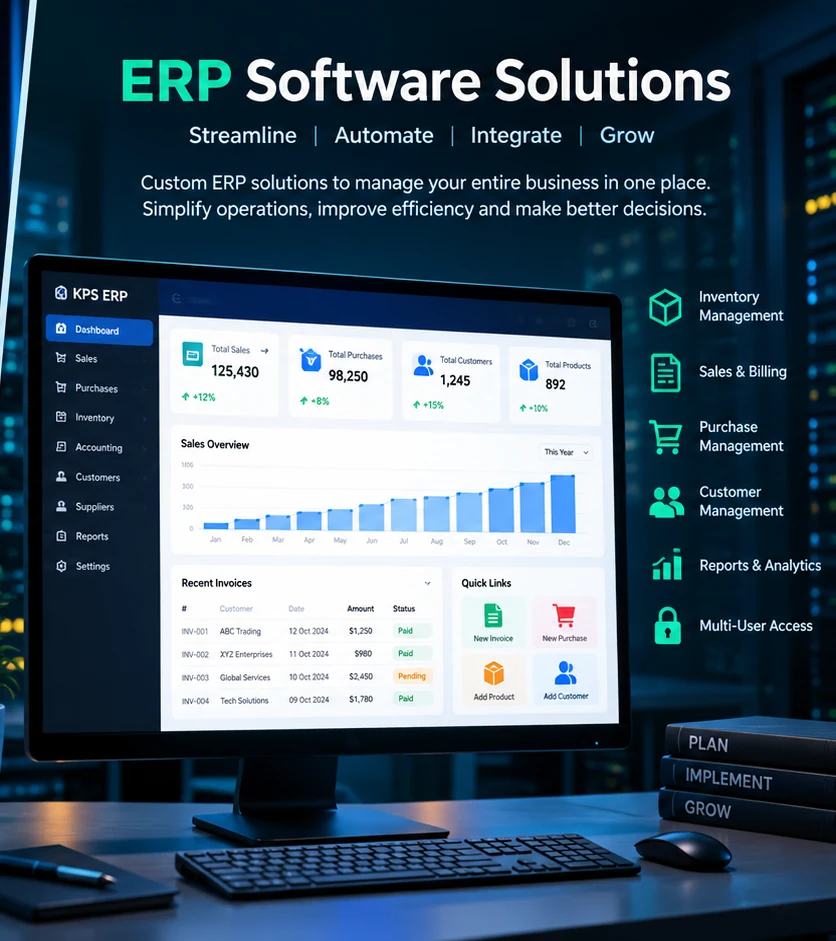
Many businesses manage important information across spreadsheets, separate applications, email messages and manual documents. A business application can bring those activities into a more consistent workflow with shared data, permissions and reporting.
We first understand how your organization currently works. From there, modules, screens, documents, approvals, users and integrations can be planned around the actual process.
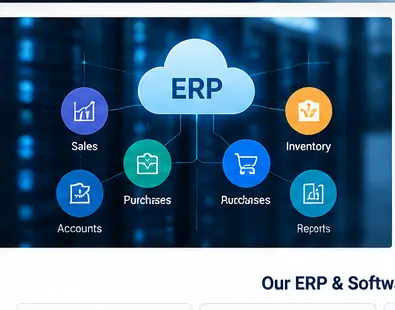
Modules can be combined into a larger ERP solution or developed as focused applications for a specific department or workflow.
Purpose-built applications for processes that do not fit comfortably into off-the-shelf software or existing systems.
Connected business modules for sales, purchasing, customers, inventory, billing, operations and reporting.
Invoices, billing transactions, collections, payment tracking, document generation and related business workflows.
Product or material records, stock movements, availability information and operational controls where required.
Job management, customer transactions, operational tracking, collections, documents and logistics-focused workflows.
Customer records, contacts, transactions, service activity and customer-facing workflows in one connected environment.
Operational views and reports that help teams work with the information captured by the system.
Connect applications with external services, payment systems, messaging, email, portals and other APIs where required.
Extend or modernize an existing application while preserving useful workflows and business data where practical.
The exact modules depend on the organization. A solution can start with one workflow and expand as requirements become clearer.
Business software rarely operates alone. Depending on the project, a solution may need to exchange information with websites, portals, payment services, messaging systems, email, existing applications or other APIs.
We can plan integration points as part of the system design so the application is prepared for the surrounding workflow instead of becoming another isolated data source.
Before deciding which modules or features are needed, we can map the current process: who performs each step, what information is captured, which documents are produced, where approvals happen and what information management needs to see. That provides a practical foundation for defining the application.
Explore our available software products through the KPS Systems ordering platform. Open a product to review the exact configuration and place your order.
A transport-focused business application for managing operational workflows, customer transactions, transport activities, documents and reporting in a connected system.
View & Order →A business billing and ERP solution designed to bring invoicing, customer transactions, operational records and related business workflows into one system.
View & Order →Projects can be phased so the most important workflow is delivered first and additional functionality can follow.
Tell us what your team currently does, what is difficult to manage and what you want the software to achieve. We can discuss the appropriate scope, modules and implementation approach.