⌁
DNS Management
Manage DNS records and connect your domain to the services you use.
Search, register and transfer your domain through the KPS Systems client platform.
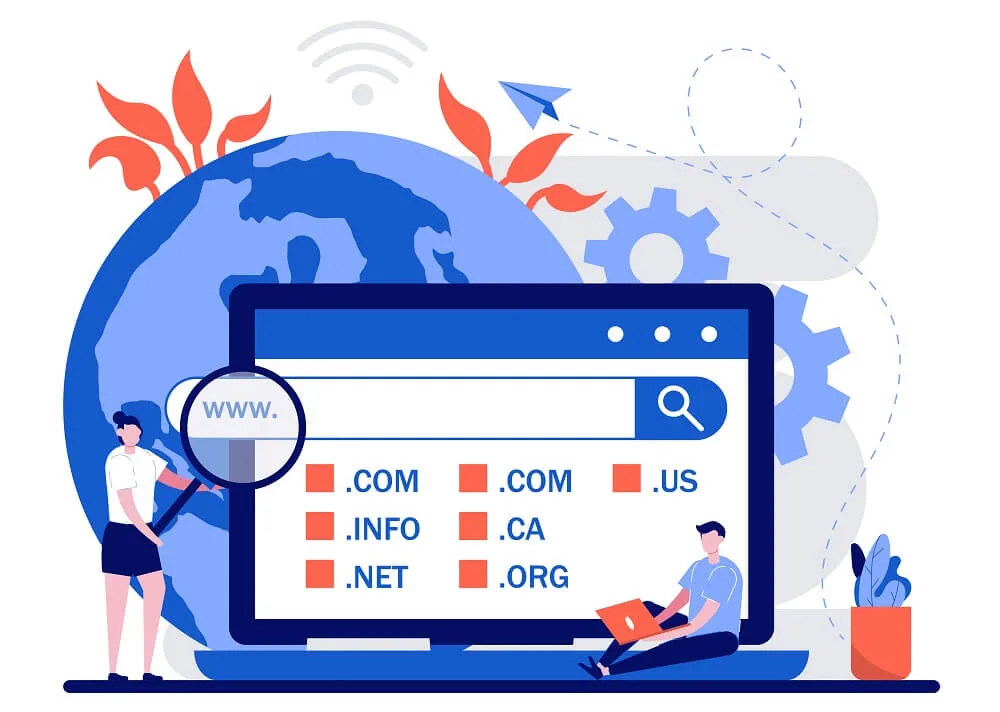
Find the right domain for your business and complete registration through WHMCS.
Register DomainMove an existing domain to KPS Systems and manage it from one client account.
Start TransferProfessional infrastructure, dependable service management and a clean customer experience designed around your hosting requirements.

Keep your domain services organized from one KPS SYSTEMS client account.
Manage DNS records and connect your domain to the services you use.
Update nameservers when your domain needs to point to a different hosting environment.
Keep your domain active and review renewal information from your client account.
Review your domain service and manage related account information in one place.
Search the extension you need and continue through the KPS SYSTEMS domain ordering process.
Existing domain search and registration links remain available while the API is configured.
Availability, pricing and registration requirements depend on the extension. Search above to check the current availability and applicable order details.
Keep your domain, hosting and related services connected through the KPS SYSTEMS client platform.
After ordering, use your client account to manage your domain services, billing and related hosting products.
Open Client Area →A simple path from finding your domain to managing it after activation.
Check whether your preferred domain is available.
Choose the available domain and extension that suits your business.
Configure the domain and complete your order through the client platform.
Complete the required registration details and activation process.
Manage your domain, DNS, renewals and related services from your account.
Find your domain or move an existing domain to KPS SYSTEMS.